Navigate multi-track halls, star talks into your personal "My Day", and exchange contacts in seconds via phone camera — zero paper cards and no login needed.
Five quick taps and CampBuddy points you to the right talks and people. It all stays on this phone.
Step 1 of 5
Is this your first WordCamp?
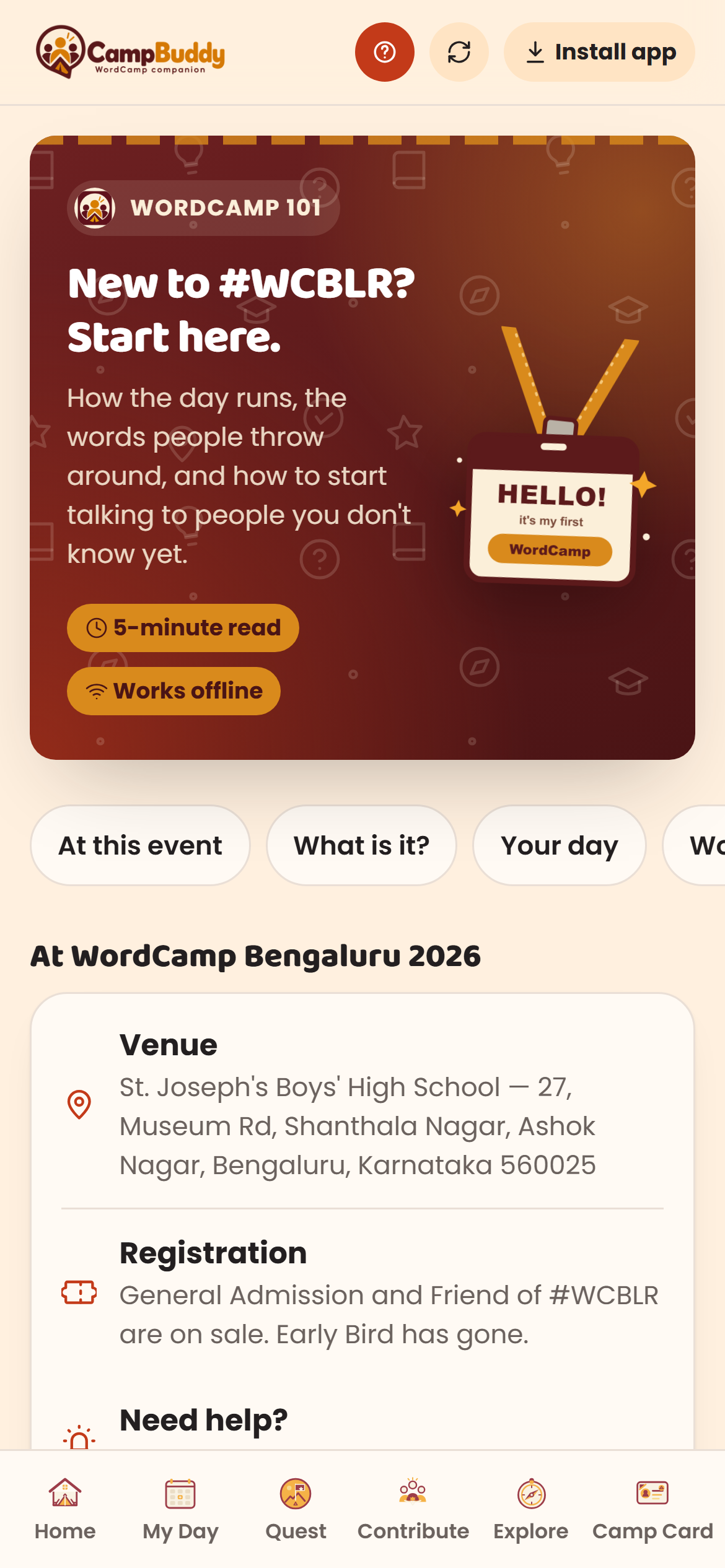
First-timers get beginner-friendly talks flagged and a short start-here guide.
What describes you?
We use this to suggest talks, Contributor Day teams and people to meet.
0 of 5 picked
Joining Contributor Day?
A hands-on day improving WordPress. Beginners welcome. We will set up the Contribute page for you.
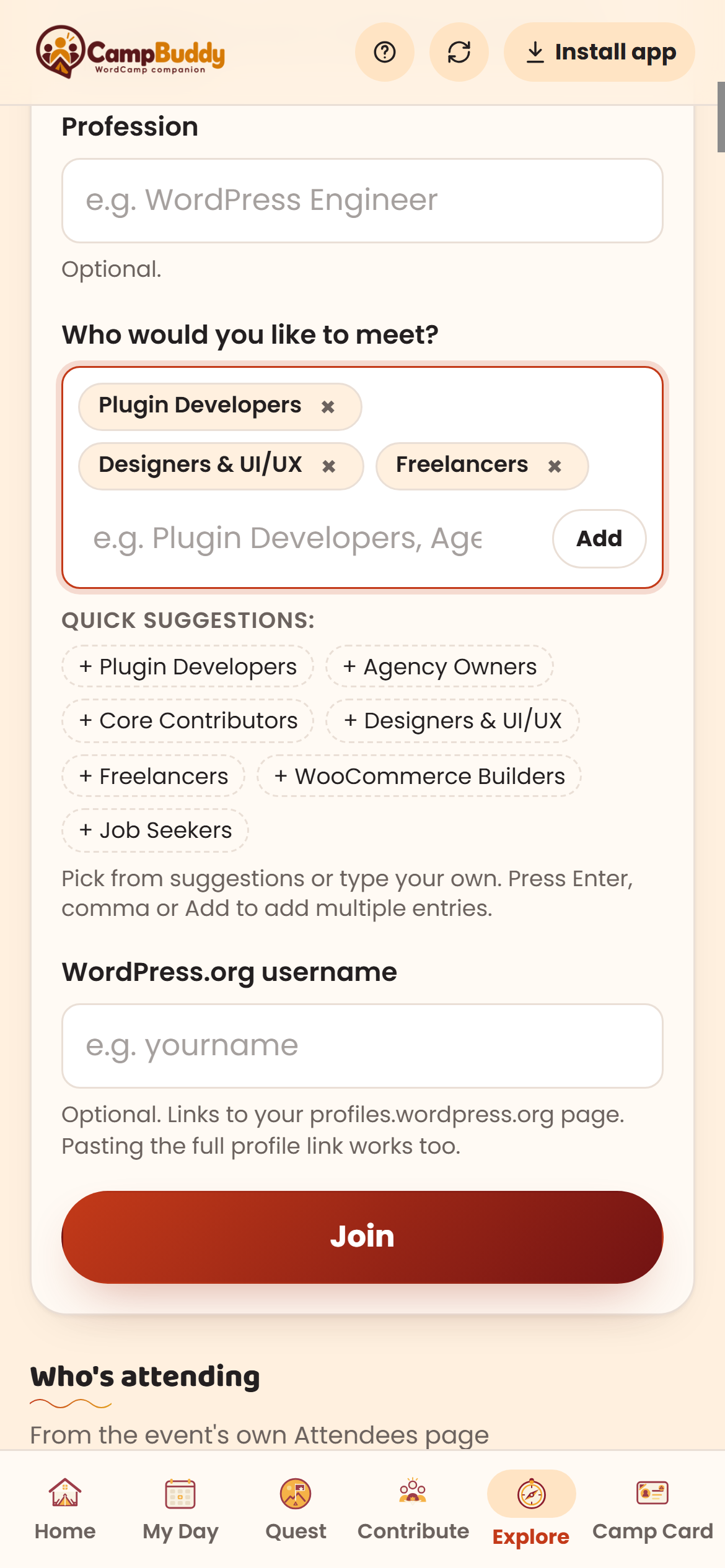
Who would you like to meet?
It pre-fills your attendee profile and Camp Card. Nothing is shared unless you join discovery.
Quick suggestions:
Pick suggestions or type your own. Press Enter, comma or Add to add multiple.
Your WordPress.org name
So people can find your profile from your Camp Card. Pasting the profile link works too.
You are set
Essential WordCamp Companion
How CampBuddy helps you at WordCamp
Nine focused superpowers engineered to eliminate conference confusion, hallway hesitation, and paper card clutter — 100% free, zero login, and completely offline-ready.
First WordCamp? You're in Good Hands
5-Min Newcomer Primer01 / 09
1. First WordCamp? — Never Feel Lost in the Crowd
Stepping into a massive tech conference can feel overwhelming. Our 5-minute newcomer primer breaks down how the day unfolds, explains community jargon (Contributor Day, Hallway Track, Wapuu), and equips you with 15-second natural icebreaker scripts so you can start conversations with confidence.
Jargon Dictionary (Wapuu, BoF)
College Fresher Tips
Hallway Networking Icebreakers
Never Miss Your Favorite Session
Multi-Track Schedule02 / 09
2. Schedule & “My Day” — Curate Your Personal Timetable
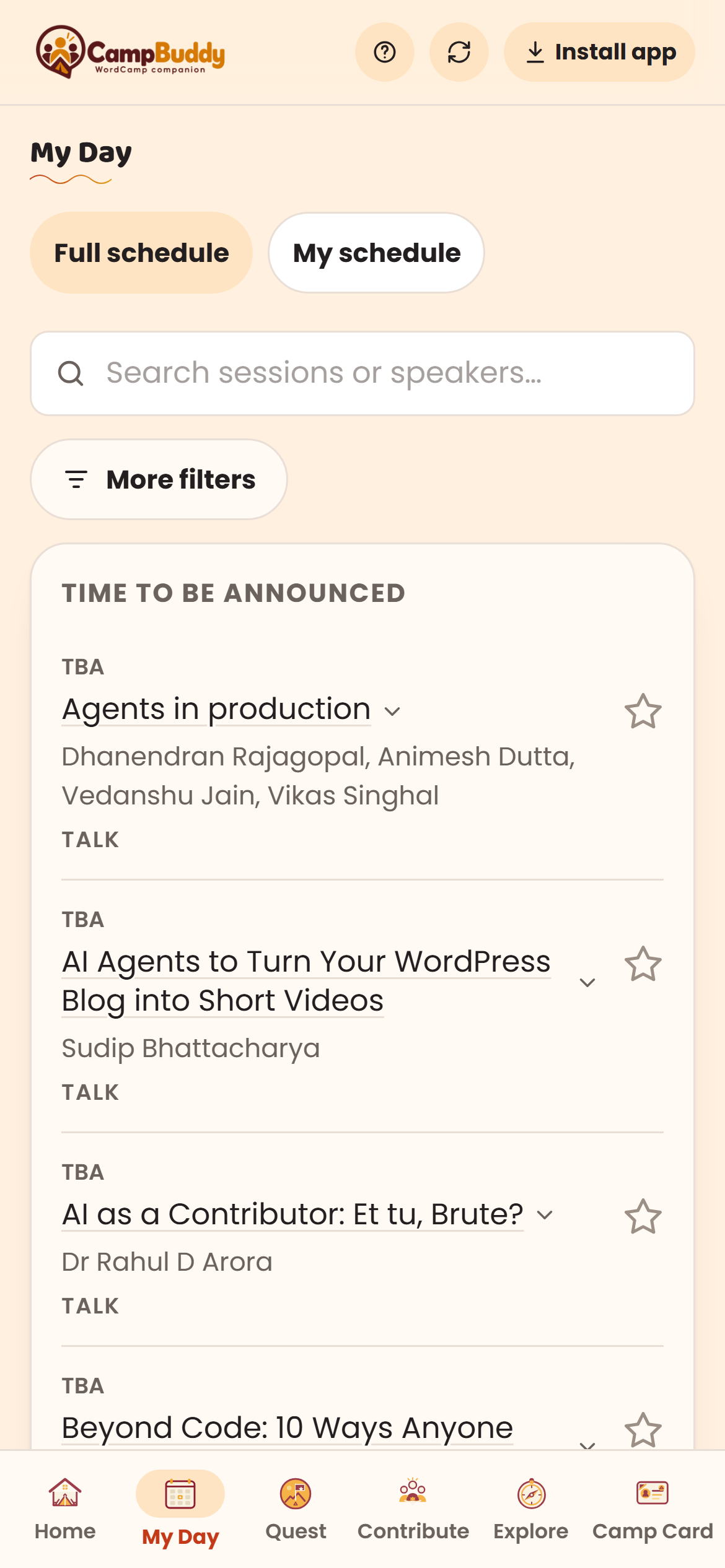
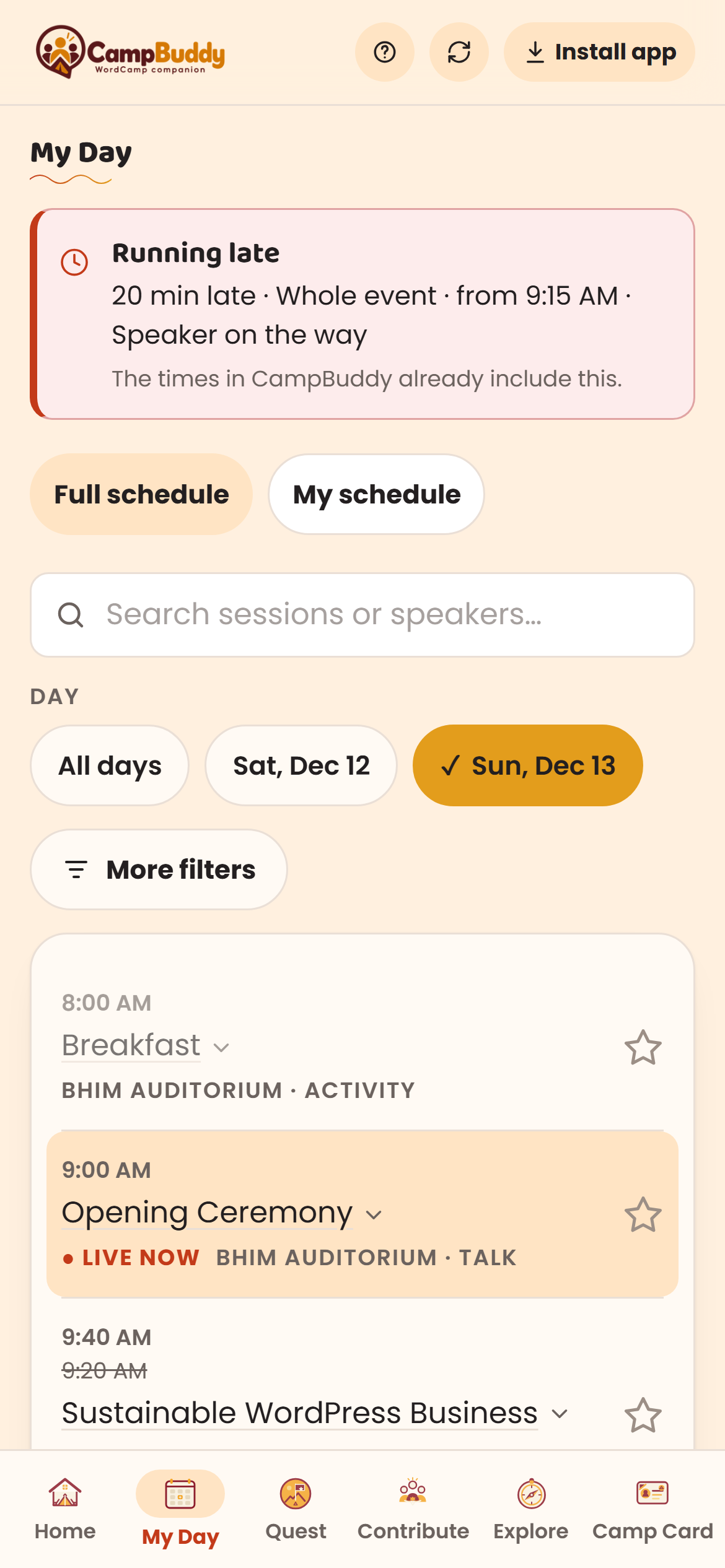
With parallel tracks across multiple auditoriums, it is easy to lose track of key sessions. In CampBuddy, star the talks that matter to you with a single tap to build your custom schedule. Get smart reminders 10 minutes before sessions start, with automatic timetable shifts whenever organizers adjust timing.
1-Tap Star Bookmarks
10-Min Hall Reminders
Phone Calendar Sync
Find Your Tribe in the Crowd
Attendee Discovery03 / 09
3. Attendee Discovery — Connect with Zero Spam
In a venue of 2,000+ attendees, finding peers who share your niche or passion can be daunting. CampBuddy lets you filter by shared interests, skills, or roles. Send a lightweight private wave to someone you want to meet: contact details are only revealed when both parties mutually wave — zero spam, zero sign-up.
4. Digital Camp Card — Instant Paperless Networking
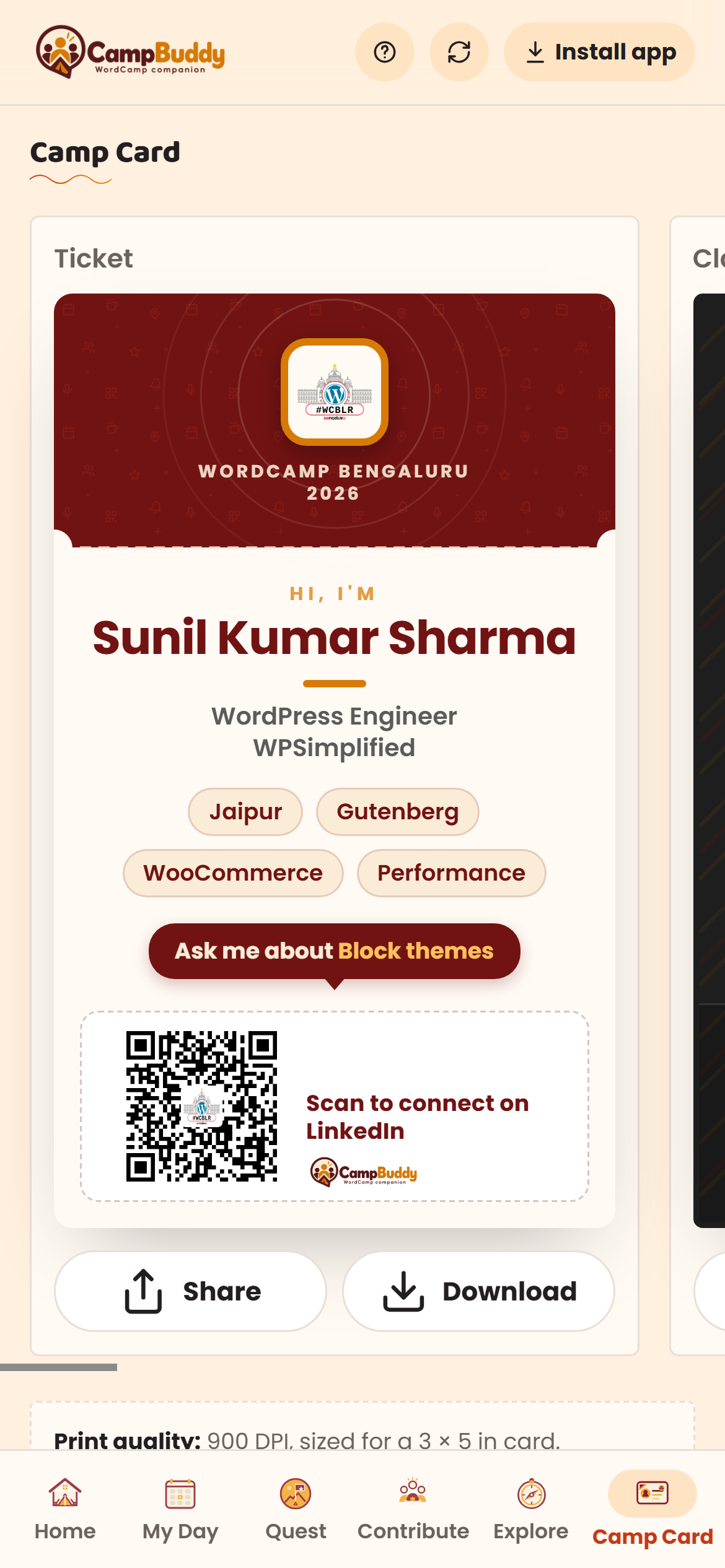
Forget carrying paper business cards or clumsily typing social handles into phones. Your Camp Card is an instant digital conference badge: set your name, title, and social links. Other attendees simply scan your QR code with their default camera app to open your profile directly — no app download or sign-up needed on their end.
Native Camera Scan
Direct Profile Link
7 Curated Card Themes
No Coding Experience? You Belong Here
Open Source Contribution05 / 09
5. Contributor Day — Meaningful Contributions Without Coding
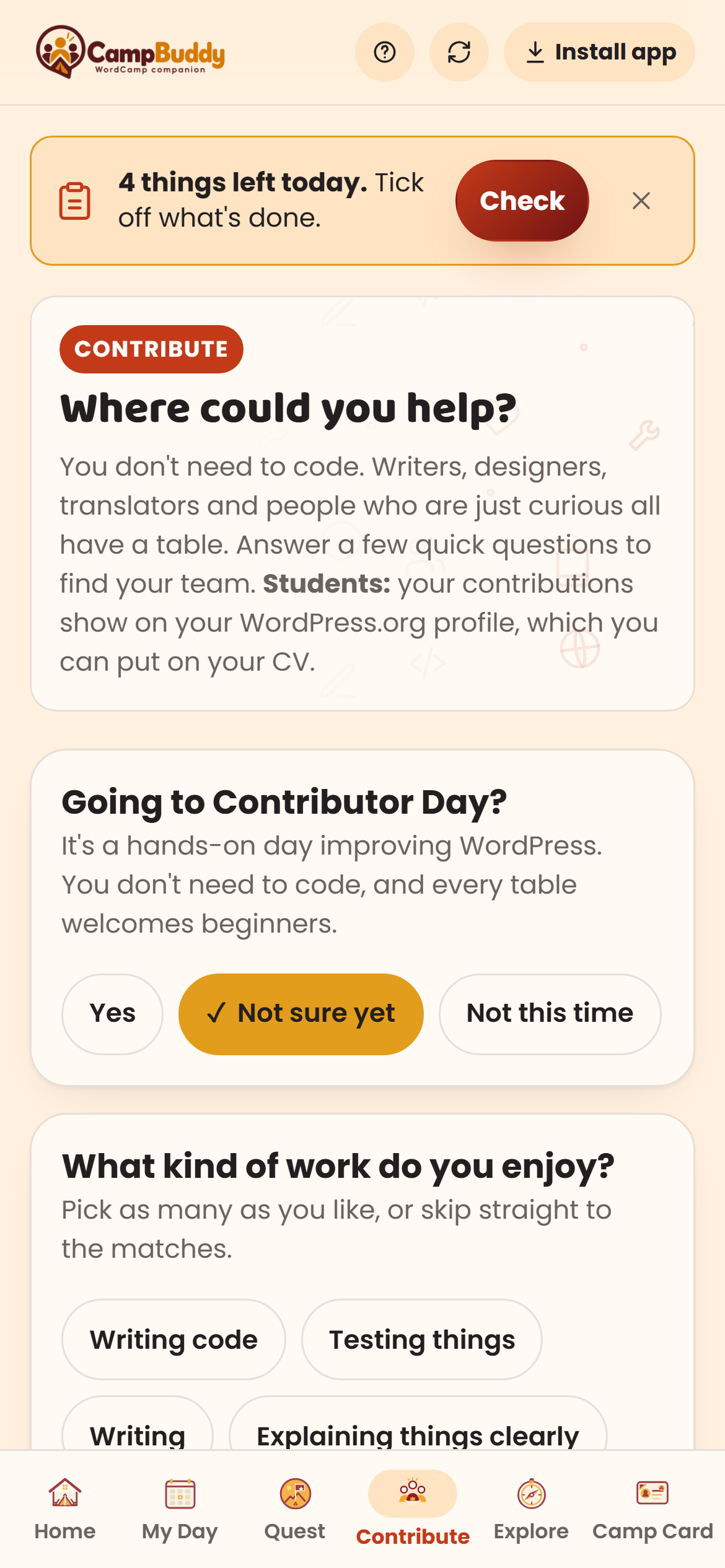
WordCamp Contributor Day is for everyone — not just backend developers. Writers, designers, translators, documenters, and curious first-timers have dedicated team tables. Answer two quick questions to find your ideal team, understand where to sit, and get proven scripts for introducing yourself to table leads.
2-Question Team Matcher
Find the Right Table
100% Non-Tech Friendly
Venue Wi-Fi Down? It Keeps Running
100% Offline Reliability06 / 09
6. 100% Offline & Instant PWA — Built for Crowded Venues
Conference Wi-Fi routinely stutters or drops under heavy auditorium load. CampBuddy requires no account and no login: open the link once and add it to your home screen. Your entire multi-track schedule, first-timer guide, and digital Camp Card function seamlessly completely offline with local storage.
No Login / No Password
Zero Wi-Fi Dependency
Instant Home Screen App
Event Memories in a Keepsake PDF
Event Memories Journal07 / 09
7. Post-Event Memories — Your WordCamp Keepsake
Don't let the knowledge and connections fade once the event closes. Access official photo albums and generate a beautiful 'Save My Day' PDF keepsake compiling your attended sessions, speakers heard, new peer contacts, and personal notes. Take your verified badge to your next WordCamp.
1-Click PDF Summary
Official Photo Albums
WordPress.tv Session Links
Ready-to-Deploy Companion for Organizers
Community Organizers Tool08 / 09
8. For Organizers — Zero Setup Conference Companion
Organizing teams are already stretched thin; building and maintaining custom event apps shouldn't add to the burden. CampBuddy automatically syncs schedules, speakers, and event details directly from WordCamp Central every 15 minutes, styled with your official branding — completely free for any WordCamp community.
WordCamp Central Auto-Sync
15-Min Live Freshness
Zero Setup Cost
Sessions Running 20 Mins Late? Update in One Tap
Real-Time Schedule Delay09 / 09
9. Running Late Alerts — Instant Timetable Shift
When keynote sessions or hallway breaks run overtime, organizers can shift the entire conference timetable by 10, 15, or 20 minutes in a single tap. Every attendee's personal schedule and upcoming notifications automatically adjust on their phones, along with urgent broadcast updates like 'Lunch is now served'.
1-Tap Timetable Shift
Auto Reminder Adjustment
Instant Live Broadcasts
Built and maintained by WPSimplified as a free, open-source gift for the global WordPress community. Zero sign-up, zero ads, and 100% offline-ready for every WordCamp worldwide.
Everything you need to know about privacy, offline reliability, and schedule syncing
What is CampBuddy?
A free web app for WordCamp attendees. It shows what's on right now, lets you plan your talks, helps you find people to meet, and gives you a Camp Card to swap contacts.
Is it free?
Yes. No ads, nothing to pay for.
Do I need to sign up or download an app?
No. There's no account and nothing to get from an app store. It opens in your phone's browser. Tap "Install app" if you want it on your home screen.
Where does the schedule come from?
From each WordCamp's own website, refreshed through the day. The WordCamp website always has the final word.
I'm a student. Is this for me?
Yes. Pick "Student" when you set up, and read the student tips in the first-timer guide.
What happens to what I type in?
It stays on your phone. Only what you choose to share in attendee discovery is shown to other attendees, and you can leave any time.
Does it work with bad wifi?
Yes. Pages you've opened keep working offline.
What happens after the WordCamp?
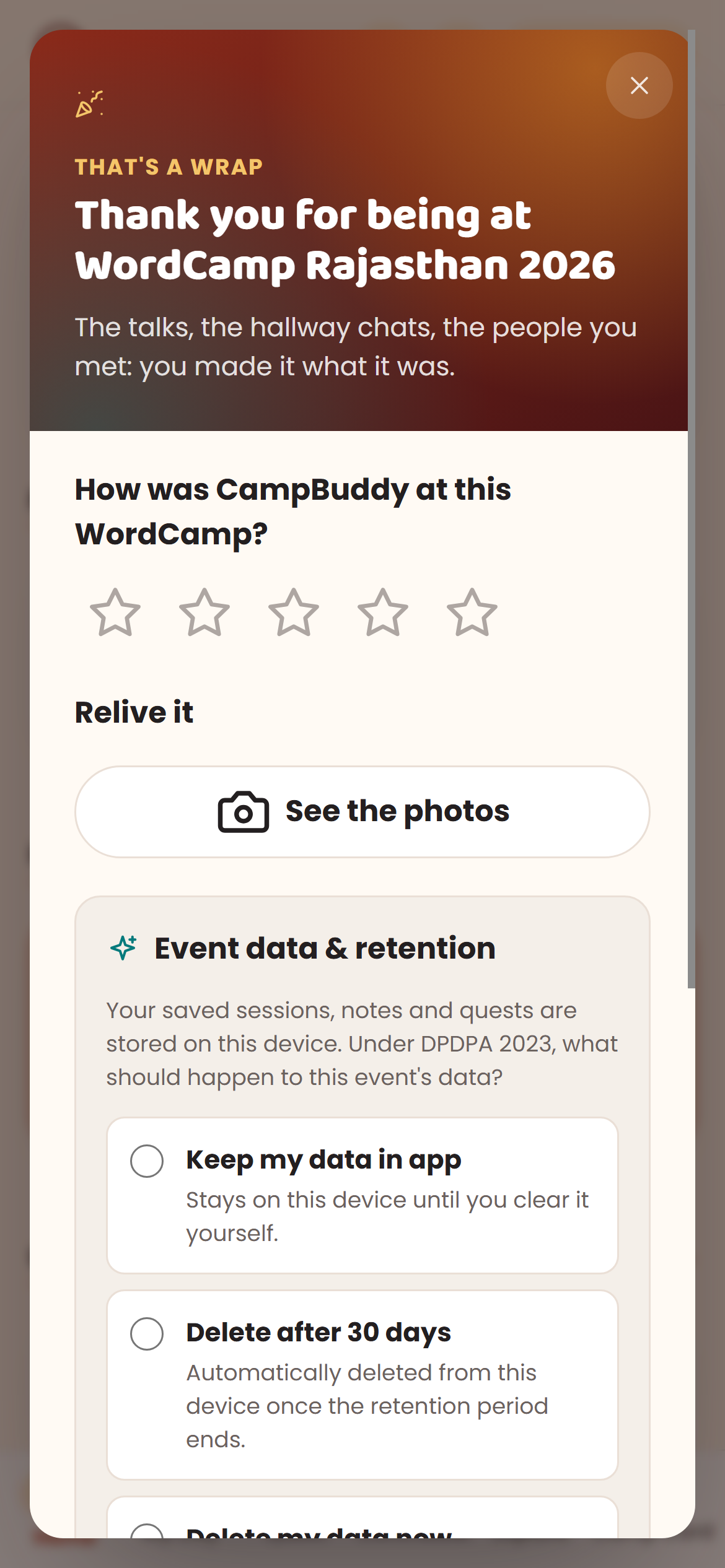
For a month you can save your day as a PDF and bring your profile and the people you met to your next WordCamp. The photo album and the talks on WordPress.tv show up once the organizers share them. With notifications on, CampBuddy reminds you a few times.